

Point your camera at your pack
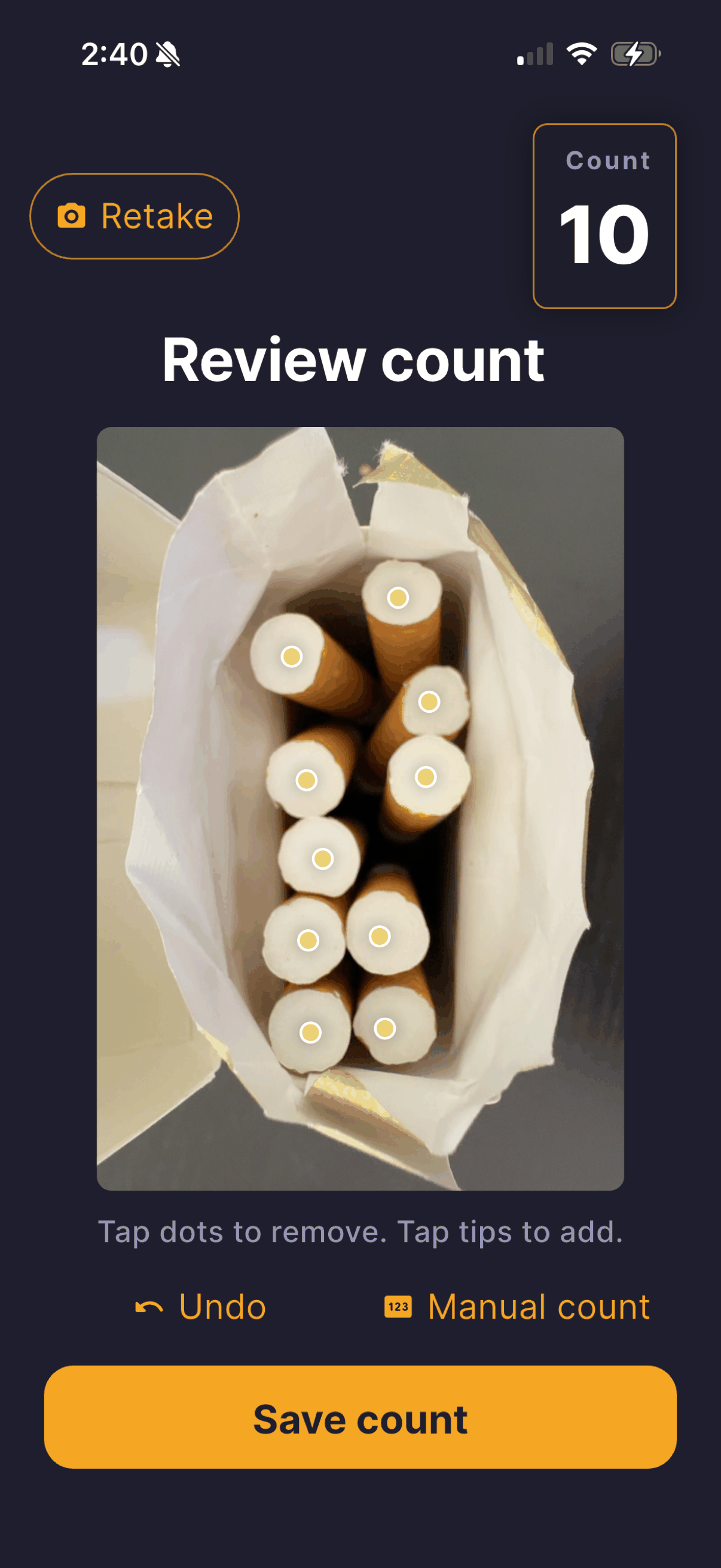
Open CigTrax and scan. Frames are analyzed on your device and never uploaded.
Now available on the iOS App Store
Most trackers make you tap a button every time you smoke. CigTrax doesn't: scan your pack once or twice a day and it logs the difference for you. Everything stays on your device — no account, nothing syncs to the cloud.
How scanning works
CigTrax turns a pack count into a private log entry, so you can check in once or twice a day instead of tapping after every cigarette.
Open CigTrax and scan. Frames are analyzed on your device and never uploaded.
CigTrax suggests what's left. You review and adjust before anything is saved.
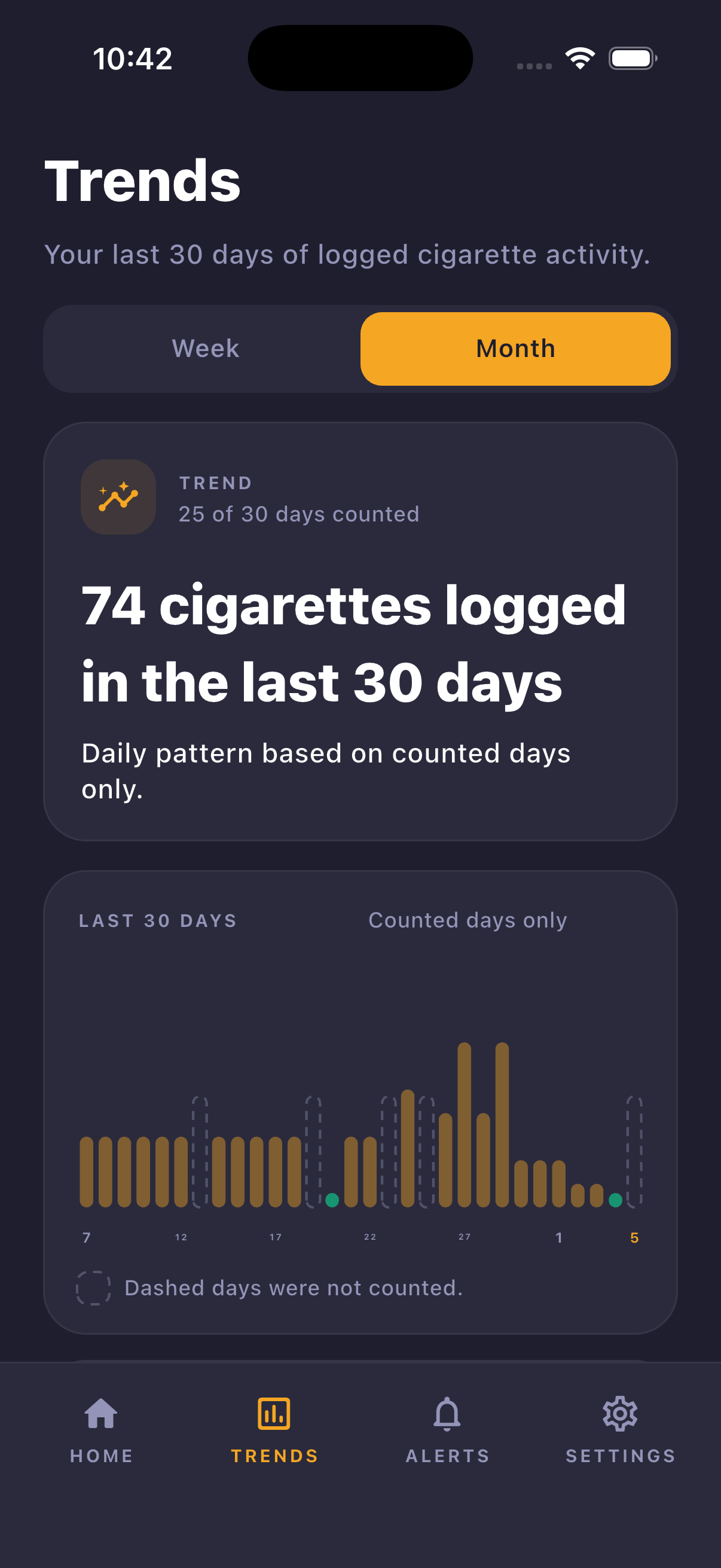
Trends build from the difference between scans — not from twenty manual taps a day.
Privacy and control
You track by the pack. When you confirm how many cigarettes are left, CigTrax logs the difference as smoked, and every entry stays on your device.
CigTrax does not require a name, email address, phone number, account, server-side identifier, or cloud profile.
Camera frames are analyzed on the device when you choose to scan a pack. Frames are not uploaded to CigTrax for analysis.
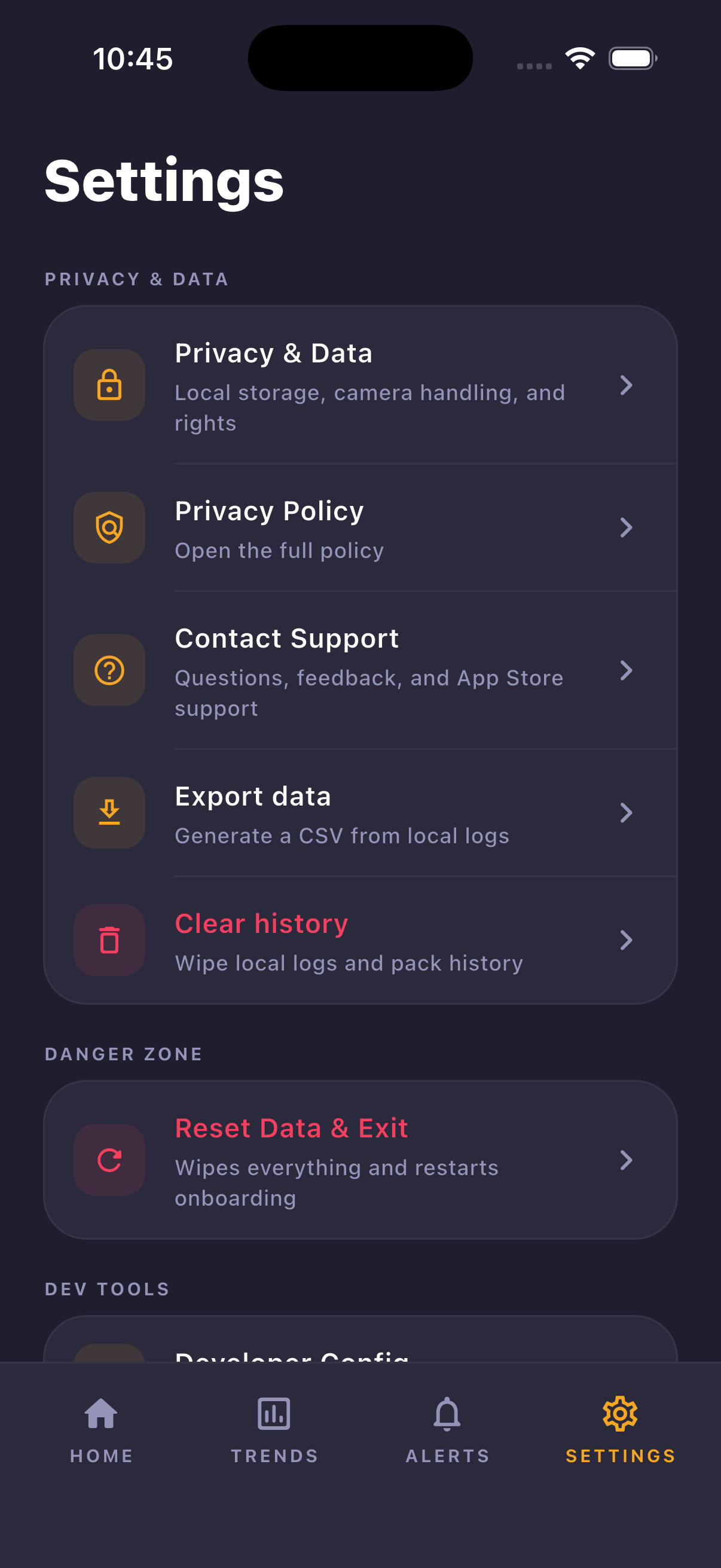
Logs, reminders, pack history, and preferences are stored locally in encrypted app storage, with CSV export and reset controls.
Inside the app
Questions
No. Scan your pack once or twice a day and CigTrax logs the difference between counts as smoked. Tapping "I smoked one" or entering a count manually is always available if you prefer.
You point your camera at your open pack. CigTrax analyzes the frame on your device and suggests the remaining count, and you confirm before anything is saved.
No. Frames are processed on your device and discarded. There is no account and no cloud sync.
No. CigTrax is a private awareness tracker for adults of legal smoking age (21+ in the US) who already smoke. It is not a smoking cessation program and does not provide medical advice.
CigTrax is available on the iOS App Store in the United States, United Kingdom, Canada, Australia, and New Zealand. Use the Download on the App Store button above to view the official listing.
CigTrax is for personal awareness only. It does not sell tobacco, promote tobacco use, encourage tobacco use, provide medical advice, diagnose conditions, treat conditions, or operate as a smoking cessation program.